Nomad Services
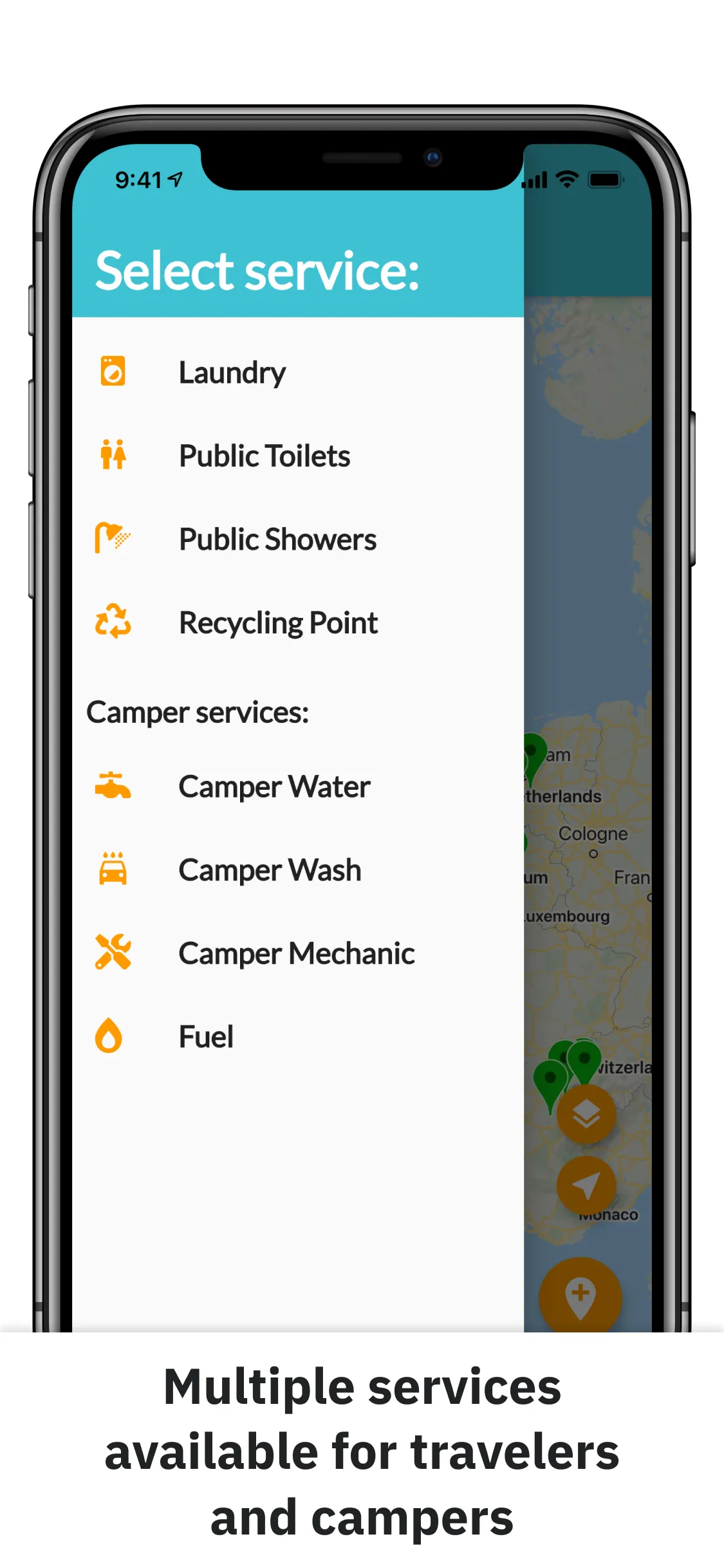
Nomad Services is a map-first mobile app for finding practical services while traveling: laundries, public toilets and showers, recycling points, fuel, and camper services. It shipped to both the Apple App Store and Google Play.
I built it in Flutter, before moving to React Native, as one shared Dart application for iOS and Android. It gave me hands-on experience with the parts of mobile development that still matter in production: map interactions, device location, structured data, user edits, and cloud persistence.
The UI uses Flutter’s Material widgets with a small, centralized theme so the same interaction model works across both platforms.
Scroll for more →
The product problem
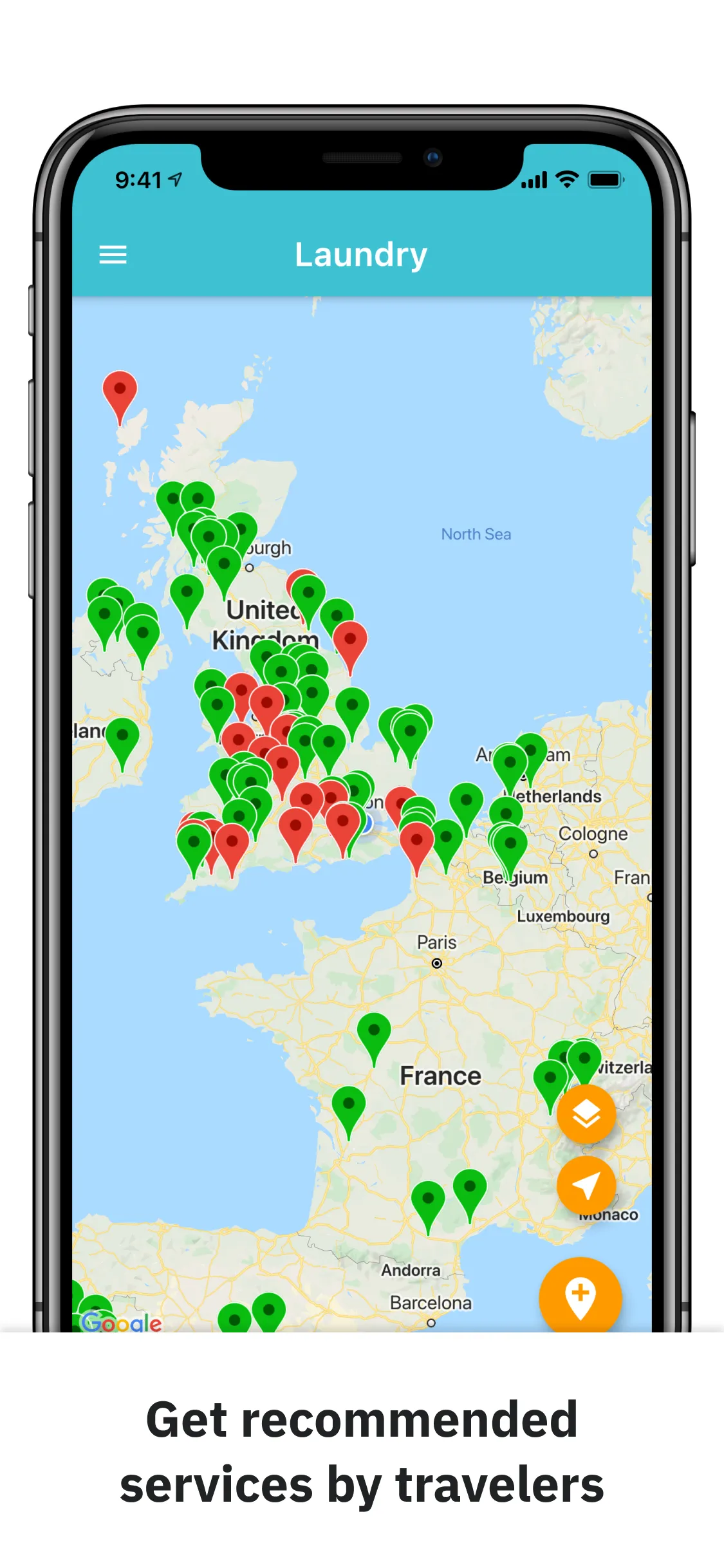
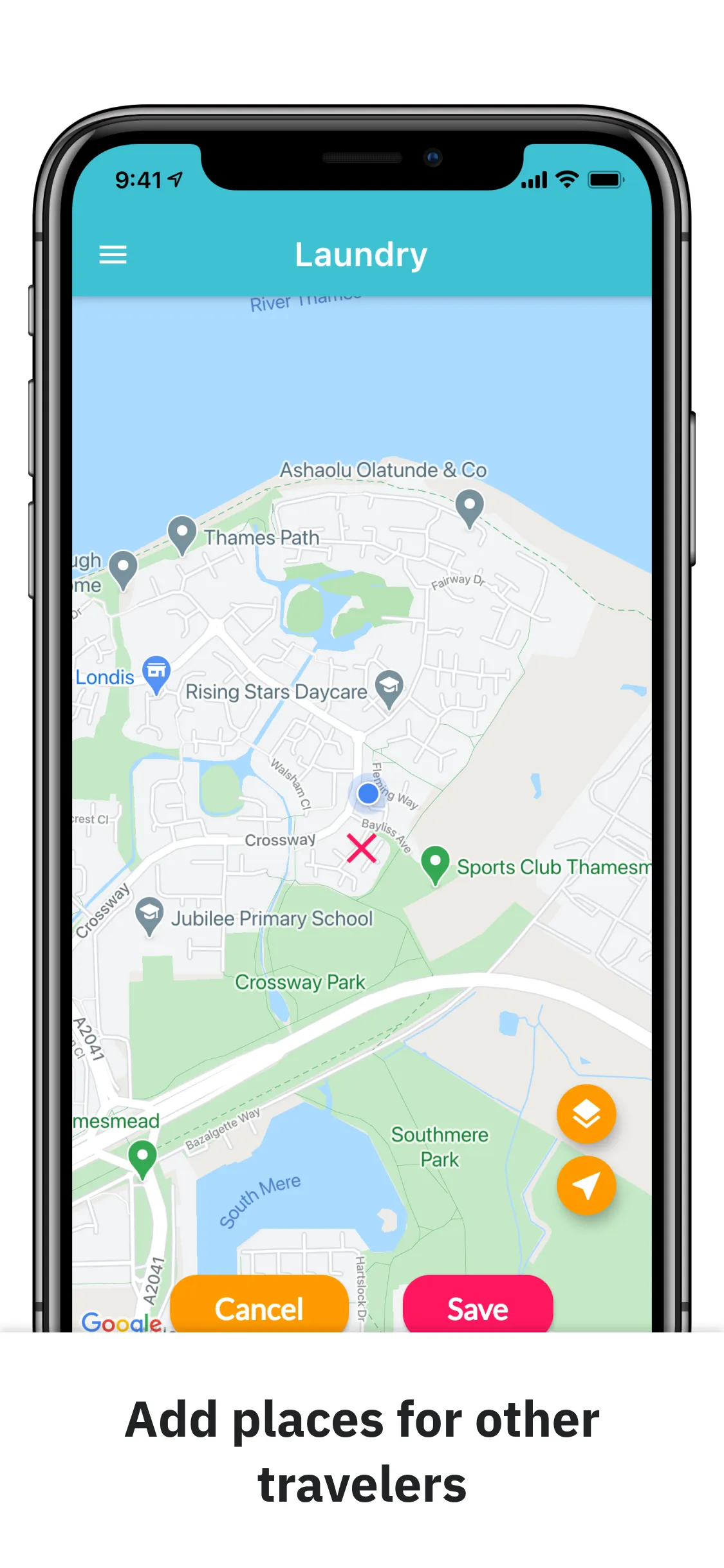
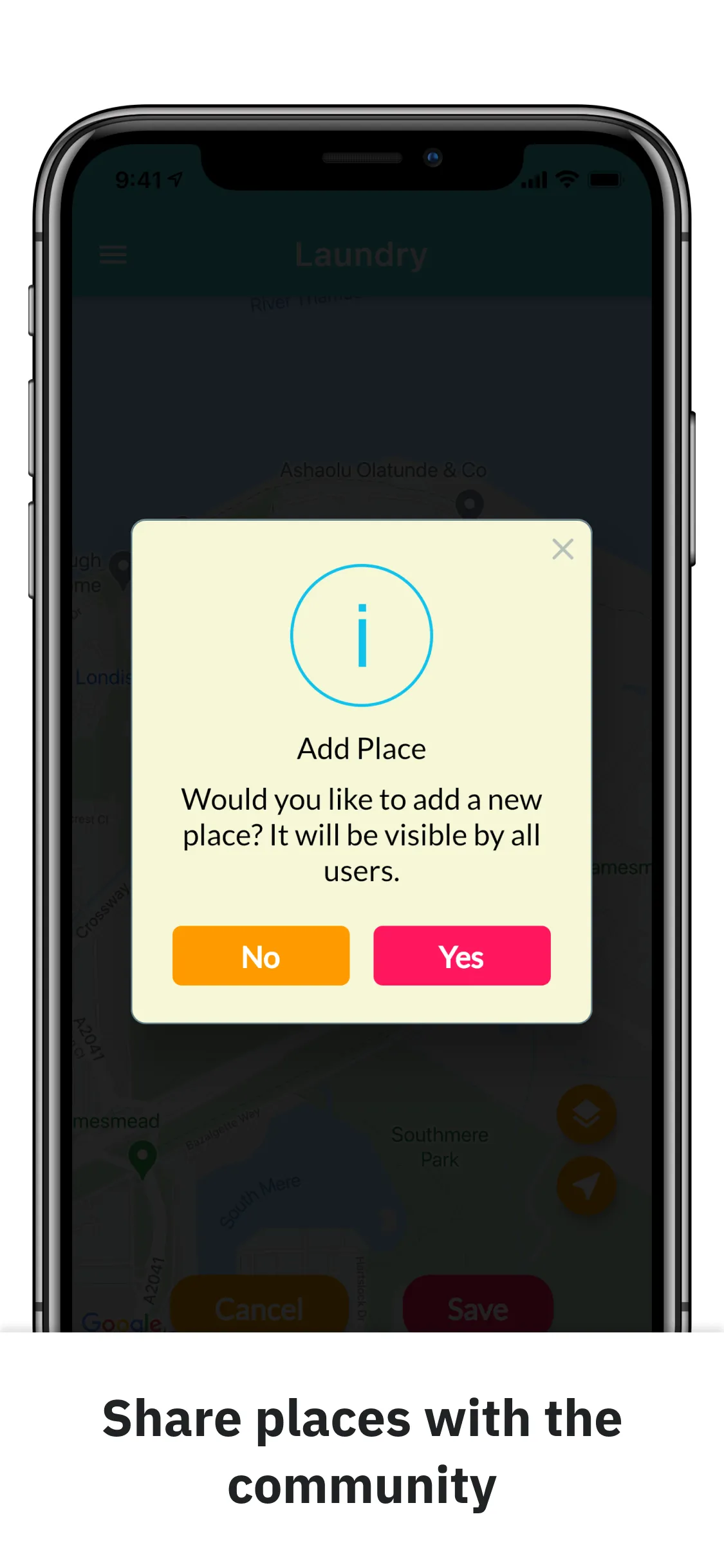
While traveling around Europe, I kept running into a practical problem: everyday services are difficult to find when you do not know a city. Nomad Services turns that problem into a shared map. Travelers can switch between service categories, inspect a place, add a new location at a map position, open that location in an installed map app, and rate the service.
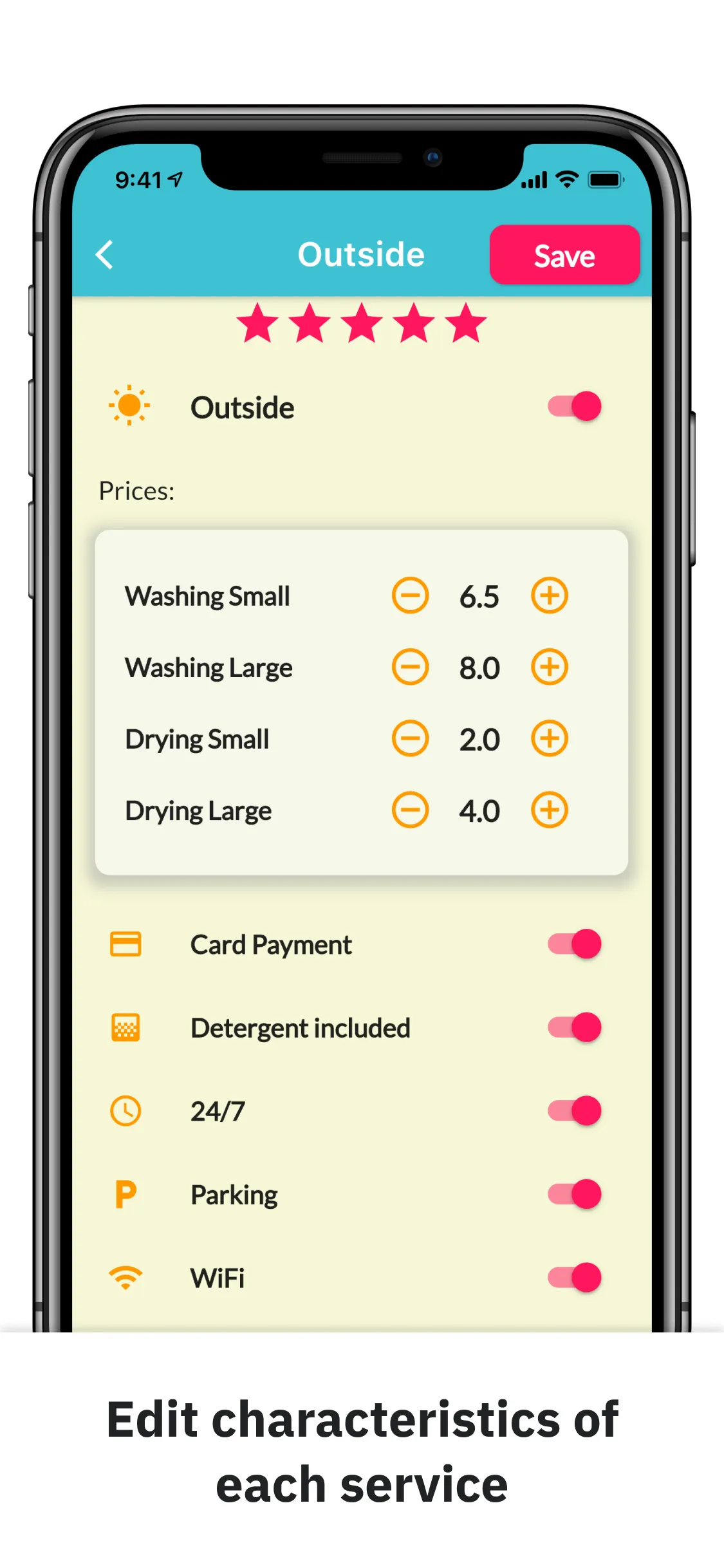
Contributions stay structured. Each place has coordinates, ratings, and attributes specific to its service, such as laundry pricing and payment options or camper-water availability. The first version does not accept free-form comments or photo uploads.
Cloud Firestore is the shared data layer. Each service category has its own model and provider. Providers load the appropriate collection, map documents into Dart objects, and write additions and updates back to Firestore. When someone changes a rating, the detail screen folds the new vote into the aggregate before saving the record. The map markers and detail views both use that state.
Why I used Flutter
Flutter gave me one Dart codebase for both platforms and a Material widget system for the shared UI. The app uses these platform integrations:
- Google Maps renders a category-specific map with service markers.
- Location reads the user’s current coordinates, while Geolocator provides coordinate-to-place utilities.
- Shared Preferences saves the last map latitude and longitude so the next map view can restore it.
- Map Launcher presents installed map apps for a selected place coordinate.
- Provider wires eight
ChangeNotifierdata providers into the application and refreshes the UI after changes. - Cloud Firestore loads the shared place data and persists new or edited records.
Together, they let me ship the same product to iOS and Android without duplicating the map, detail, or persistence flows.
Project structure
I divided the app into services, models, screens, and widgets.
Services
The services layer handles connection checks, location lookup, saved map positions, and the handoff to installed map apps. This keeps platform integrations out of the category screens.
Model
Each category has a Dart model and a ChangeNotifier provider. Providers fetch documents from category-specific Firestore collections, expose them to the map, and save additions and edits. The data objects contain the fields each service needs, including price, availability, amenity flags, rating votes, and report counts.
Screens
The homepage uses a drawer to switch between category maps. Each service type has a detail screen for its fields and ratings.
Widgets
Each service has its own map widget. They share controls for changing the map type, centering on the current or saved location, and placing a new marker. The detail views reuse rating and price controls where appropriate.
The finished app shipped to both mobile stores with one shared data model behind its map-based workflow. It was my foundation for connecting product constraints, native integrations, and persistence before I moved to React Native.