Overview
This Next.js white-label frontend handles restaurant ordering and table reservations. Its pages directory contains the menu, checkout, account, order-complete/order-view, and book-a-table flows. server/server.js provides the custom Express entry point.
How it works
The hostname is the tenant key. The custom Express server reads req.hostname. The modules at server/pageLayout/index.js and server/components/index.js pass that value to the separate consumer-api-node service for domain checks, layout data, and page-component data. In consumer-api-node, the /wl router resolves the domain against wl_whitelabels and joins the related restaurant, layout, page, and resource records before returning JSON.
getInitialProps is the data-loading path. _app.js invokes Component.getInitialProps(ctx), checks the incoming domain, then loads layout, SEO, and account data; page modules such as pages/index.js implement their own getInitialProps and call getComponents(req, ""). _app.js is wrapped with next-redux-wrapper, using makeStore and <Provider> to expose Redux state to the page tree.
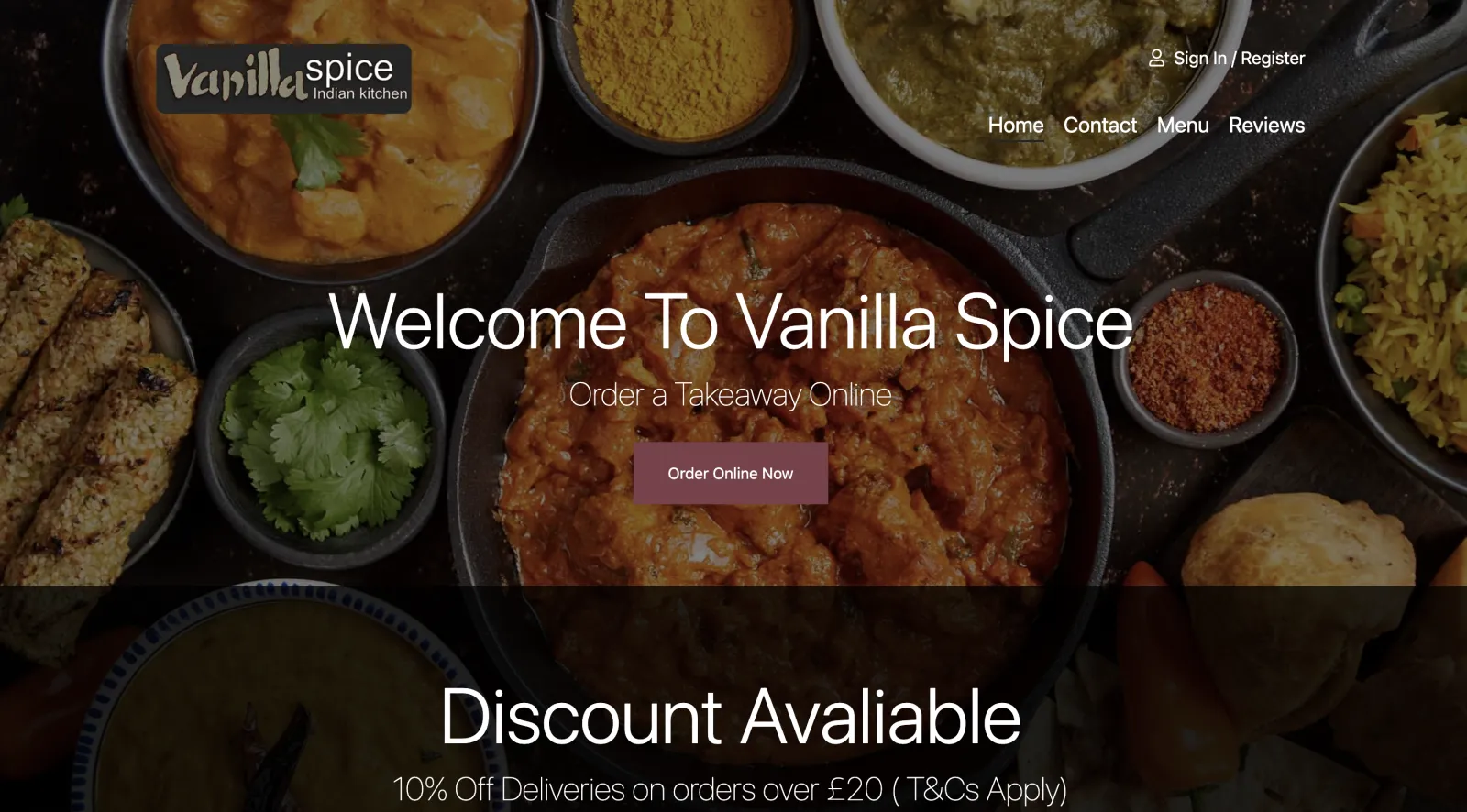
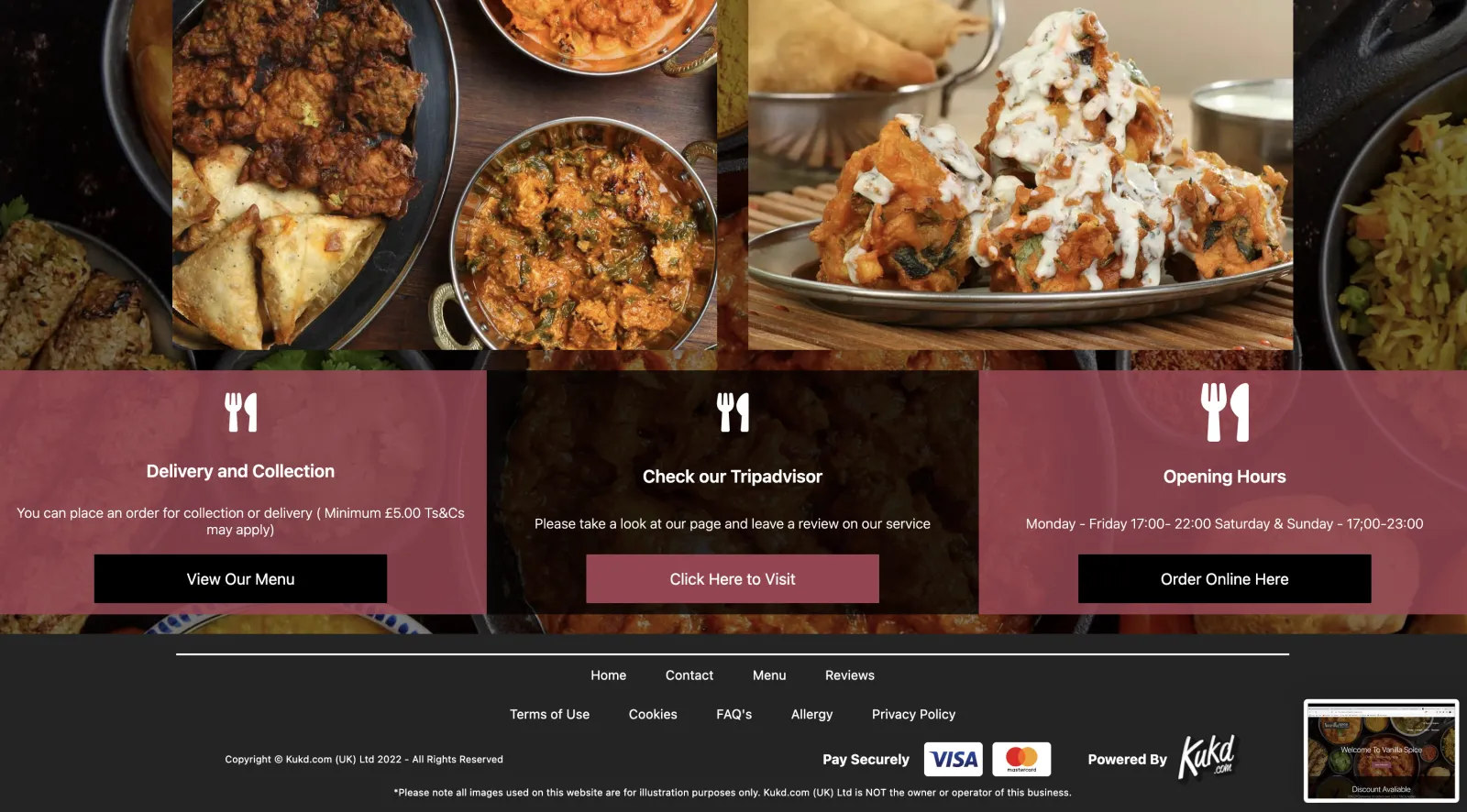
PageSegments maps the returned segment names to React components such as HeroBlock, Slider, RichTextBlock, and the contact, location, reviews, and gallery blocks. The backend supplies the ordered JSON definition. The Next.js application owns the renderer and component behavior.
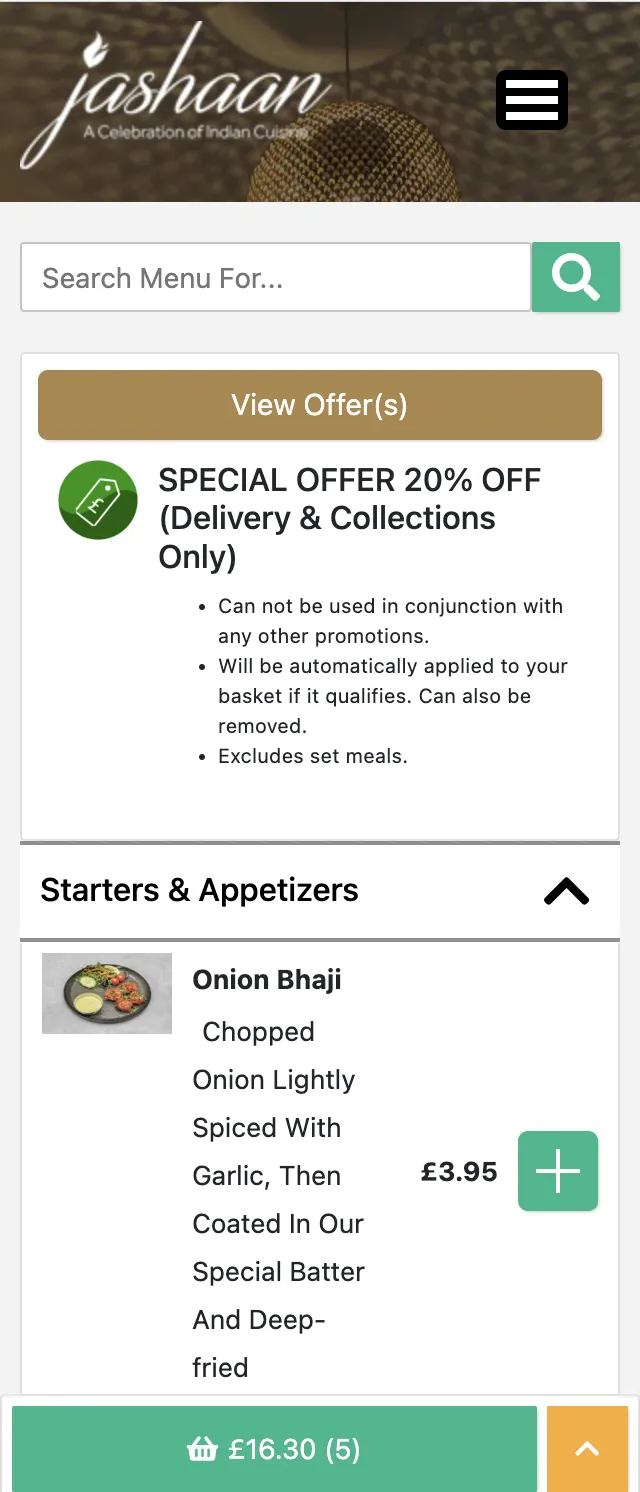
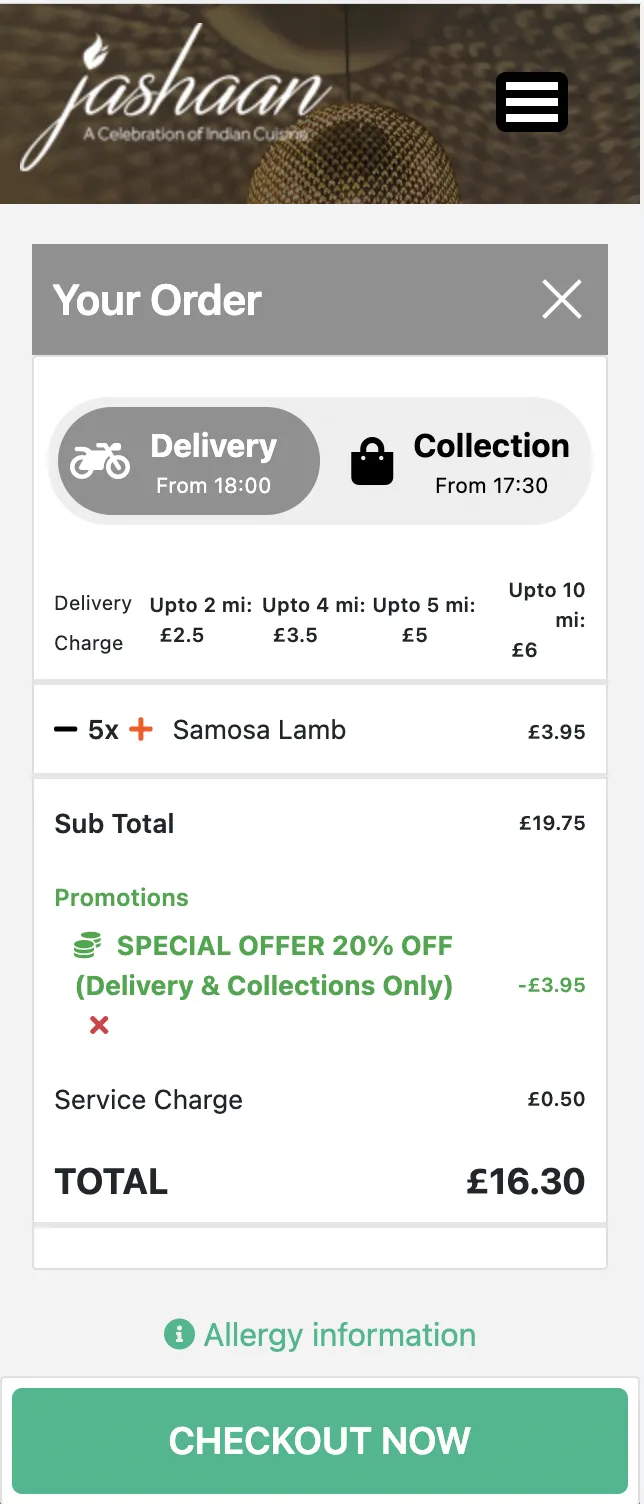
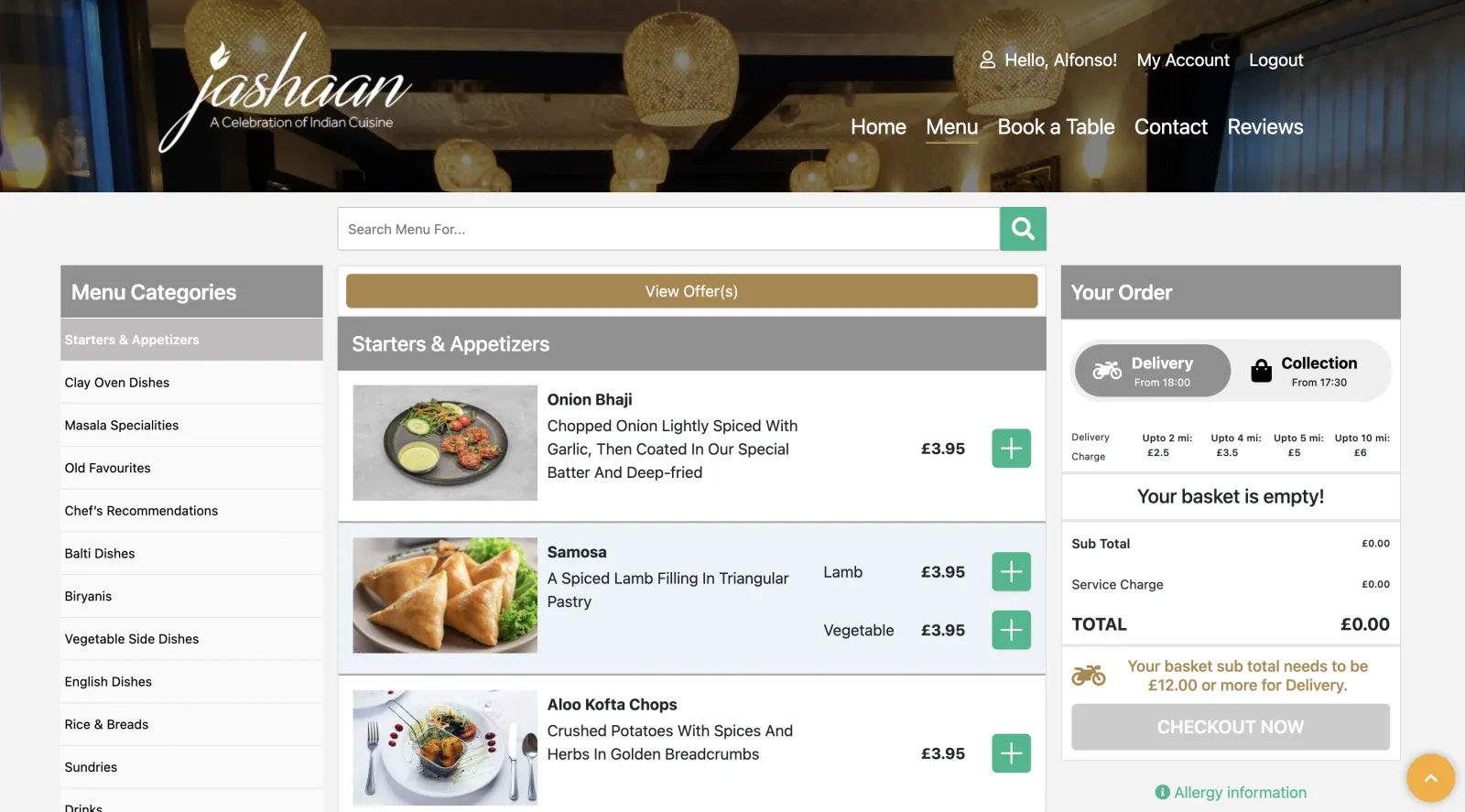
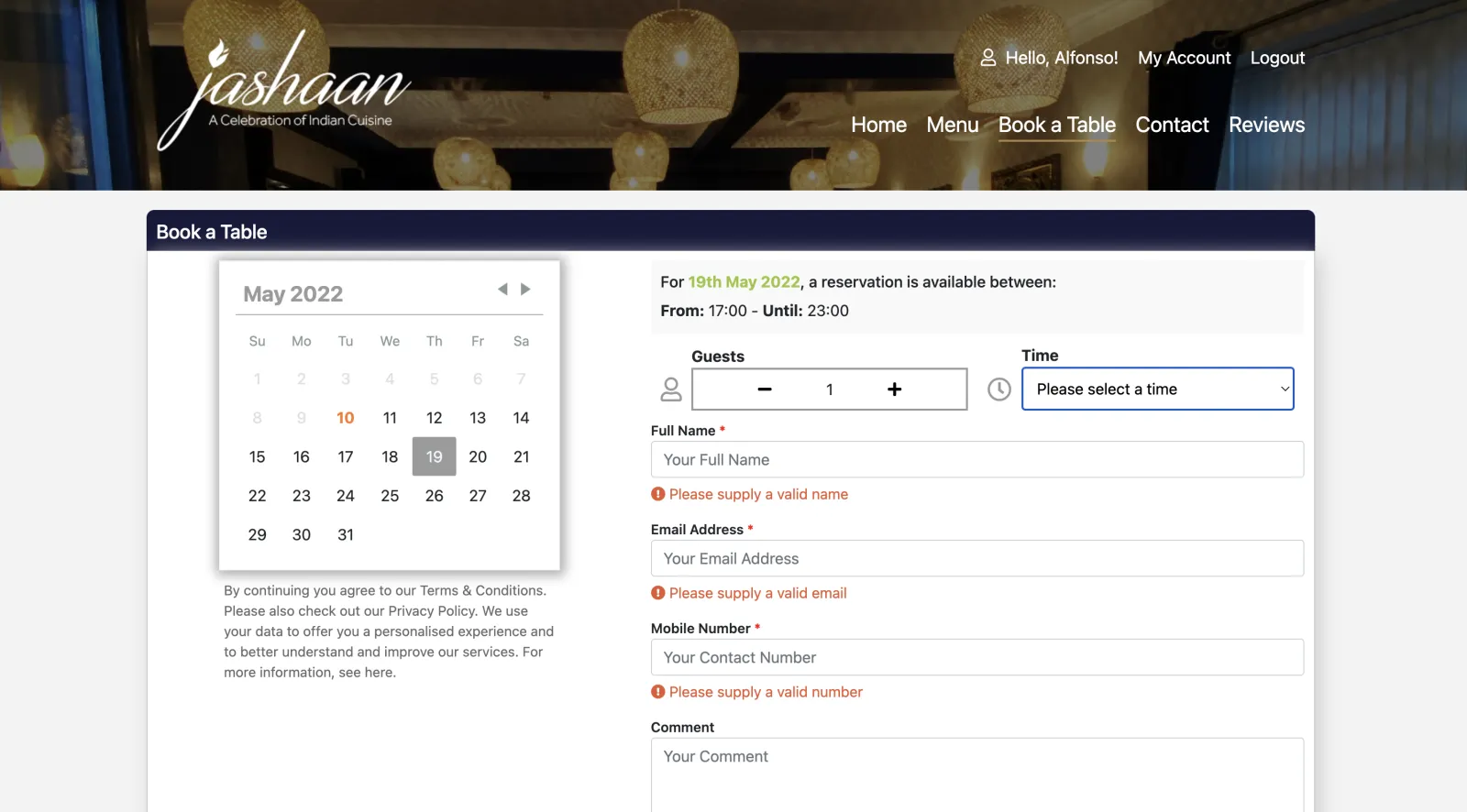
The menu page populates restaurant data, the basket, menus, and set meals into Redux, then mounts the item and set-meal editors alongside the basket views. The booking page calls the reservation API, while account and order pages use the same API boundary for user data, reservation history, order history, and order status.
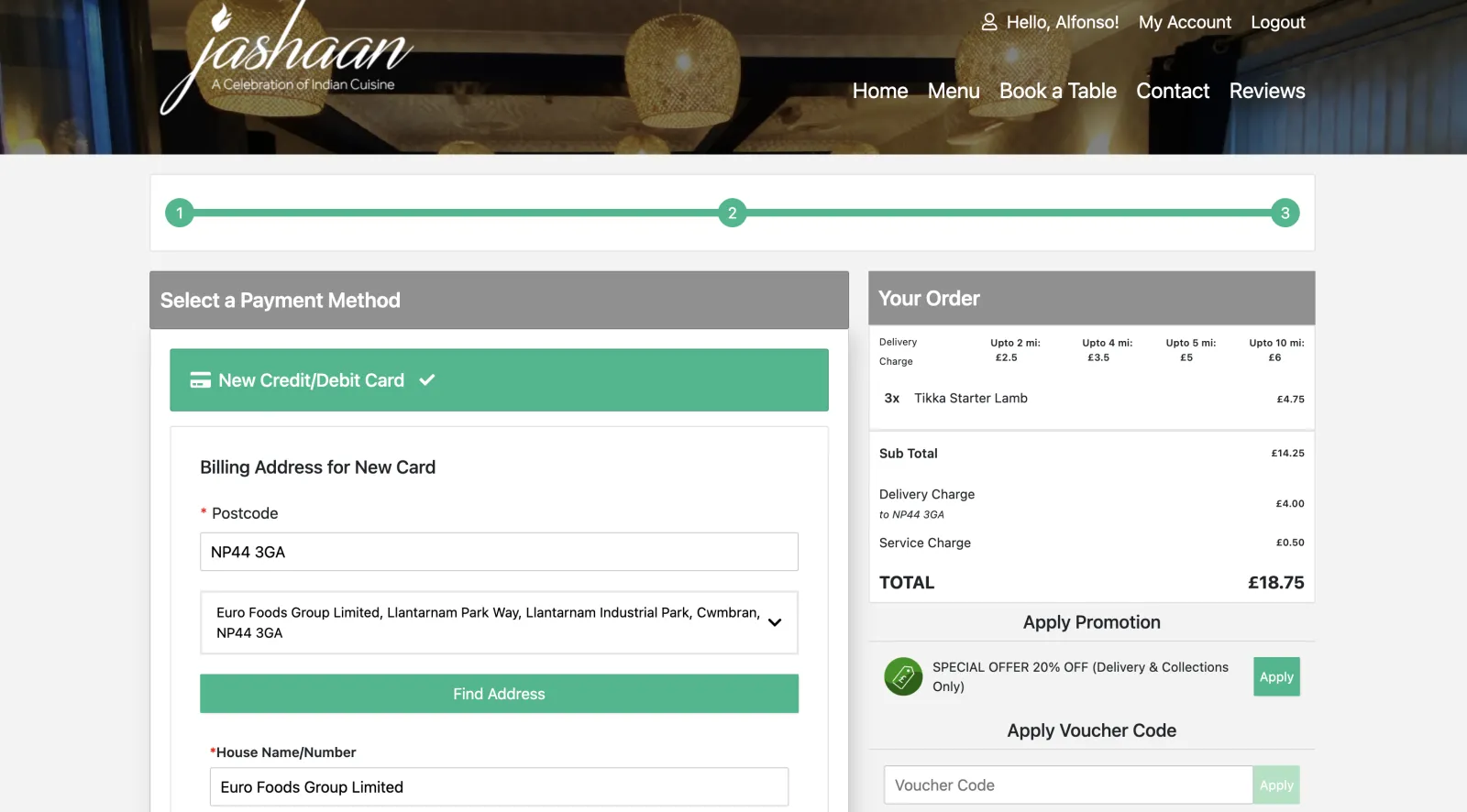
Checkout.com work is split between the browser and backend. CheckoutPayment.js loads Checkout.com Frames and tokenizes the card. CheckoutPaymentOptions.js sends the token through /payments/init/card with the white-label origin. The custom Express payment handler forwards the request to consumer-api-node, where routes/payments.js builds the payment request and utils/checkoutcom.js submits it to Checkout.com. The separate backend service owns payment processing, not the Next.js page.

Scroll for more →
Features
- Domain-scoped layouts and page-component data.
- React page-segment rendering for hero, slider, rich text, contact, location, reviews, and gallery blocks.
- Restaurant menus, set meals, basket state, and delivery/collection checkout flows.
- User accounts, order history/status, and reservation history.
- Table booking and Checkout.com card checkout through the backend service.


Technology stack
- Next.js: The package declares Next.js
^10.2, and the lockfile resolves10.2.3._app.jsand the page modules usegetInitialProps. Requests enter through the custom Express server inserver/server.js, which prepares Next and renders the routed pages. - React.js:
PageSegmentsswitches on the backend segment name and renders the corresponding React component, including hero, slider, rich text, contact, location, reviews, and gallery blocks. - Redux:
next-redux-wrapperwraps_app.jswithwithRedux(makeStore), and the app provides the resulting store through React Redux’s<Provider>. Menu and checkout page loaders dispatch application state as they fetch restaurant and basket data. - Node.js and Express: The custom server owns the hostname-aware proxy routes. Its layout, component, and payment handlers use the configured
CONSUMER_API_LOCATIONto forward requests toconsumer-api-node. - REST API: The separate
consumer-api-nodeservice mounts/wland/paymentsroutes. Its white-label endpoints query the database through Knex and return JSON for domain checks, layouts, page components, and payment initialization. - Checkout.com: The browser loads Checkout.com Frames for card tokenization. The frontend’s payment-init request is forwarded to
consumer-api-node, whereroutes/payments.jsandutils/checkoutcom.jsperform the Checkout.com API work.